The work
How this site is built, and how to check it.
This page is a technical walkthrough of this site: what it is built with, why I chose those tools, how it publishes itself, and what it scores on public speed tests. This is how I build a site from scratch, and you are looking at the result right now.
What this site is built with
The site is built with Astro, a tool that takes pages written as templates and text files and turns them into plain, finished web pages ahead of time. Nothing is assembled when you visit. The server hands over files that are already complete, which is the main reason the site is fast.
Styling is done with Tailwind, which keeps all the design decisions in one place, and the two typefaces are served from this site’s own folder rather than from an outside company, so no font provider sees your visit. There is no tracking script of any kind on this site.
The blog posts are plain Markdown text files with a small amount of labeled data at the top, checked automatically at build time so a malformed post cannot go live. This is the exact editing setup I hand over with every site I build.
Measured speed
These are this site’s Lighthouse scores. Lighthouse is a public auditing tool built into the Chrome browser; anyone can run it against any site, including this one. These numbers are measured, not chosen.
- 97
- Performance
- 100
- Accessibility
- 100
- Best practices
- 100
- SEO
Measured with Lighthouse 13.4.1 in headless Chrome against the deployed production site on 2026-10-02, mobile profile, home page, median of three runs. Re-measured after significant changes.
Run Lighthouse on this site yourself. Expect a point or two of difference between runs.
How it goes live
The whole site lives in a Git repository, a folder that keeps its own history: an edit is stored alongside the version before it rather than replacing it. When I save a change, the hosting service notices, rebuilds the site, and publishes it. From save to live takes minutes, with no manual steps and no single fragile copy sitting on a server somewhere. This is the pipeline I set up for every site I build.
What it costs to run
| Item | Cost |
|---|---|
| Hosting | Free tier |
| Automatic builds and version history | Free tier |
| Contact form delivery | Free tier |
| Typefaces | Free, self-hosted |
| Domain name | The only recurring cost |
That is the entire bill. The free tiers involved are not trials; they are standard plans that a small, fast site fits inside comfortably. A rebuilt client site that stays small and fast fits inside those same free tiers, so its recurring cost is the domain as well.
Client projects
Client work will be added here as it ships, with the same treatment: what was wrong, what changed, and measured results. Until then, the walkthrough above is the portfolio.
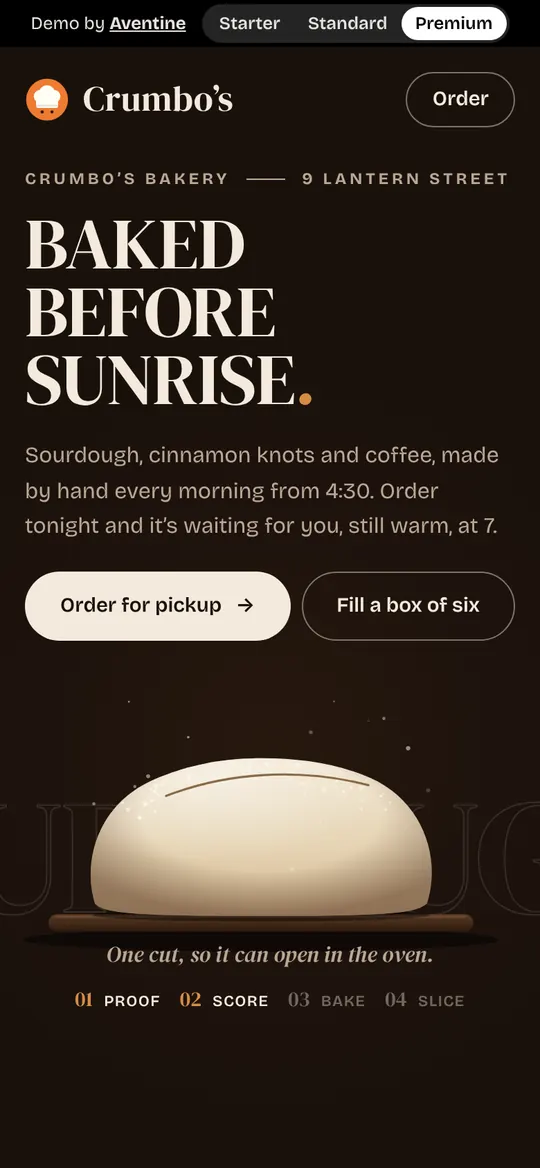
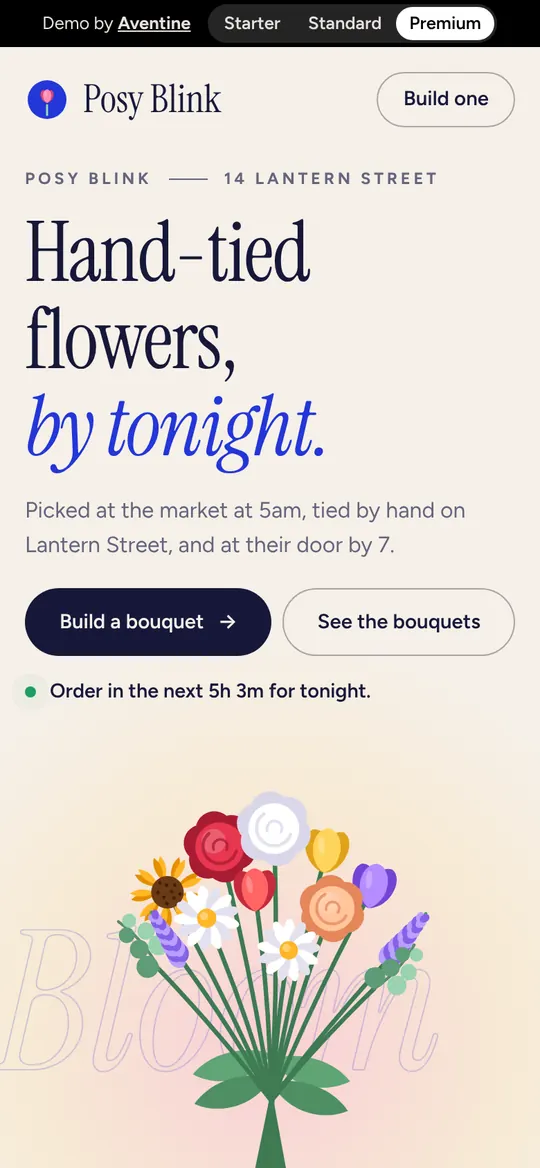
Separately, I built two made-up shops, Posy Blink and Crumbo’s Bakery, each three ways, from a simple one-page site to a fully animated one, so you can see the difference. See the example shops

Want your site to work like this?
Send me your current address and I will tell you what a rebuild would change, with numbers where I can get them.